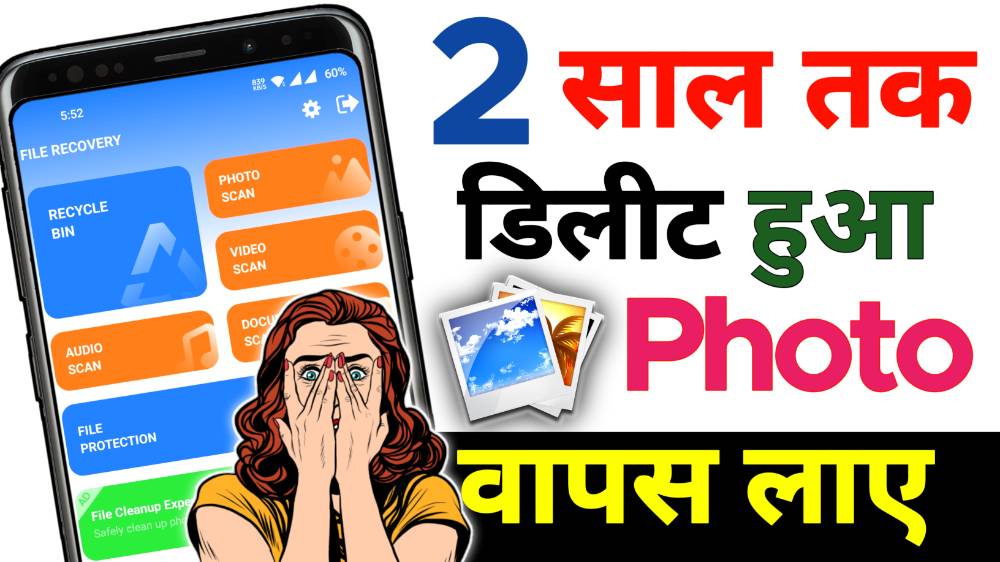
Hello everyone today I will talk about how to recover old deleted photo in Android. Most of the time we are by mistakely deleted some important and old memorable photos from our mobile. And most of the people use wrong process or application to recover this deleted photos.
But today I will talk about very easy and genuine process to recover your memorable photos which are deleted by mistakenly from your mobile without any risk, and this all process are work perfectly in every mobile.
Recover Old Deleted Photo From Bin :
After deleted any photos are did not completely delete from your mobile. This all deleted photos are more to been folder or trash folder in your Android phone. And this all photos are safe for some specific time in that folder.
Just you have to open gallery application in your mobile and then scroll down and find trash or recycle bin folder then open it and you will see all the deleted photos or videos available here.
If you deleted by mistake any photo or video then you can restore or recover this photos from here just select the photo and tap restore button and this photos are most to the original folder. But please remind this file are available for 30 days to 60 days only depend on your smartphone brand.
Full Tutorial Video – Click Here
Recover From Google photos :
If your photos and videos are deleted and its connected with Google photos application and activated auto backup option then if you delete any photo or video so don’t worry you can still your photos and videos from the Google photos application because all this deleted photos are already backup in the cloud storage.
Just you have to open Google photos application and click on library option or collections option. After that open trash or been option and you will see your all the deleted photos or videos so just select those files which you want to restore or recover and then click on restore button.
After that your deleted photos are moved to the gallery or the original folder and you will get this deleted photos or videos which you deleted by mistakely from your mobile.
Best App To Recover Deleted Photos :
If your deleted photos are not available in your mobile galleries trash folder or Google photos press folder then you should try to install genuine application from Google Play Store. Some applications are working very perfectly without any root in every Android mobile.
I will provide for you below the best photo recovery application for all time in the download 6M just click on it and you are redirect to Google Play Store interface and you can check all the reviews and details of this application.
After that open the application and click on search for deleted photos or you can click on search for deleted videos whatever you want. Just click on it and you are re direct to the scanning page just wait here some time.
Also Read : How To Use Unblock Or Block Feature In Android
After completed the scan process you can see all the deleted photos from long time ago you can see this photos easily which you already deleted month ago or long time ago.
Just you can select those photos which you want to recover after selected just click on the recover option and select the destination where you want to save the file and after selected your photo recovery process started and completed within a seconds.
Conclusion :
After deleted any photo from your mobile don’t be panic just follow all this steps perfectly and this all process are genuine and you can try this. But in future to forgot this type of problems you should turn on auto backup to save your photos or videos. I think this article is very useful for you.

I think all procedure I have provided above and it is very easy tricks I think it’s very helpful for everyone so definitely try it once in every mobile.